
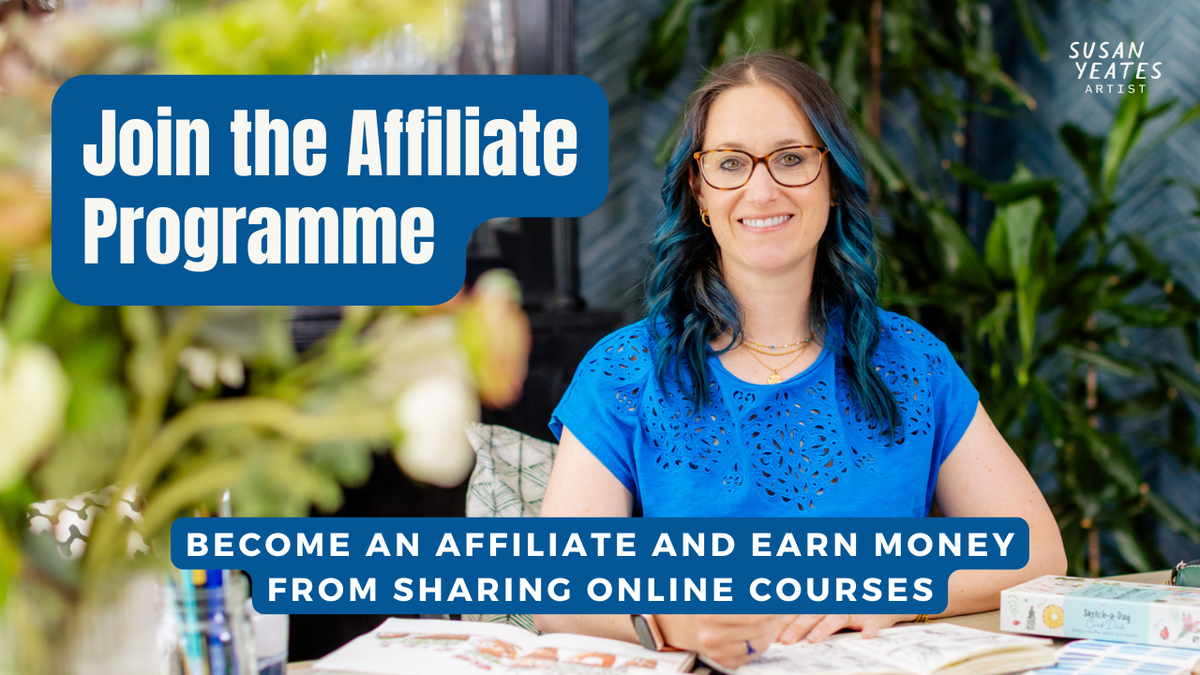
earn money from sharing my online courses
Affiliates – How to
This page explains everything about how to join the Affiliate Scheme for Susan Yeates Artist, including the Inspire Membership and
other sketching courses.
Affiliate programs can get a bit complicated, but they are a great way to earn some extra income, so I’m going to try to keep things simple. If you have any lingering questions, don’t hesitate to email us.
** NOTE THIS IS A NEW AFFILIATE SCHEME FROM SEPT 2026 - ALL AFFILIATES FROM PODIA WILL NEED TO REGISTER FOR A NEW ACCOUNT IN KAJABI **
How Does this Affiliate Programme Work?
It’s pretty simple!
- The affiliate (that’s YOU) shares a unique link with your audience anywhere you’d like: newsletters, blog posts, social media, banners on your website, etc.
- The customer clicks on your unique link and is directed to my webpage.
- The customer joins the course or membership!
- The affiliate (YOU) receives 25% commission on the sale that was generated via your PayPal account.
So, for example, if you generate one enrollment for a £100 e-course you would receive £25. The same goes for monthly payments – for each monthly payment of £30 for example you would
receive £7.50.
The great thing is that the more sales you make via your affiliate links, the more income you make!
What do I need to do?
The affiliate programme is managed via Kajabi, which is my course learning platform i.e. the place where the Inspire and my other courses are hosted.

How Does it Work?
Kajabi tracks your efforts using a cookie that lasts for 30 days. This means that once someone clicks on your unique link, you’ll get credited for their sale if they choose to purchase within 30 days of clicking on it. Affiliate programs work by honouring the last referring affiliate, meaning that the software gives credit to the last referring
partner. This means, it’s important for you to hone in on the “call to action” for your followers – get them to click your link!
You should also know that I never use an affiliate link in my own efforts, so you’ll never be in competition with me. I just ask that you do not share your affiliate links in places where my customers are already active with me e.g. my own Facebook Support groups or community pages in Kajabi.
When do I get paid
I will pay you at the end of the month (every 30-days) in arrears, which will allow for any refunds from customers should there be any.
What can I share?
You are allowed to share your unique link for each course, all copy, images and promotional content on the course landing page anywhere you would normally share content - blog, social media, newsletters, Facebook, Instagram, Pinterest, or in a simple text or WhatsApp message!
You cannot promote the courses as if they are your own or use your own images / copy – please use my branded imagery only. You can basically use any of my own marketing materials – just copy any of my campaign material and re-purpose it for your own use.
Affiliate resources - INSPIRE
We want you to share you love of Inspire in your own words
and as it’s your genuine love and enthusiasm which can help our membership
grow. But it’s not always easy! So here are some helpful materials to support
you as you begin sharing Inspire and help you earn commissions along the way.
Here's how to share your affiliate link and information with friends and family:
Step 1. Decide where you want to share the information about the courses and/or the Inspire Membership.
Step 2. Insert your affiliate link. Don’t miss this important step! You’ll find your affiliate link in the affiliate portal here: https://susan-yeates.mykajabi.com/affiliate_users/sign_in
Step 3. Add your own graphic of something you’ve created or one of our promotion images (see below).
Note: It is important to let people know when sharing that you are sharing an affiliate link and you earn a commission when people register and/or subscribe.
Feel free to borrow any of the images or text for Inspire from below...
stuck for the right words?
Inspire Wording and Images
Feel free to take a look at the testimonials from our members which you can find on our website. Hopefully these will help ‘Inspire’ you to find your own words. We’ve also put some examples below but please edit and adapt to what you love about Inspire or the course you want to share.

Template 1
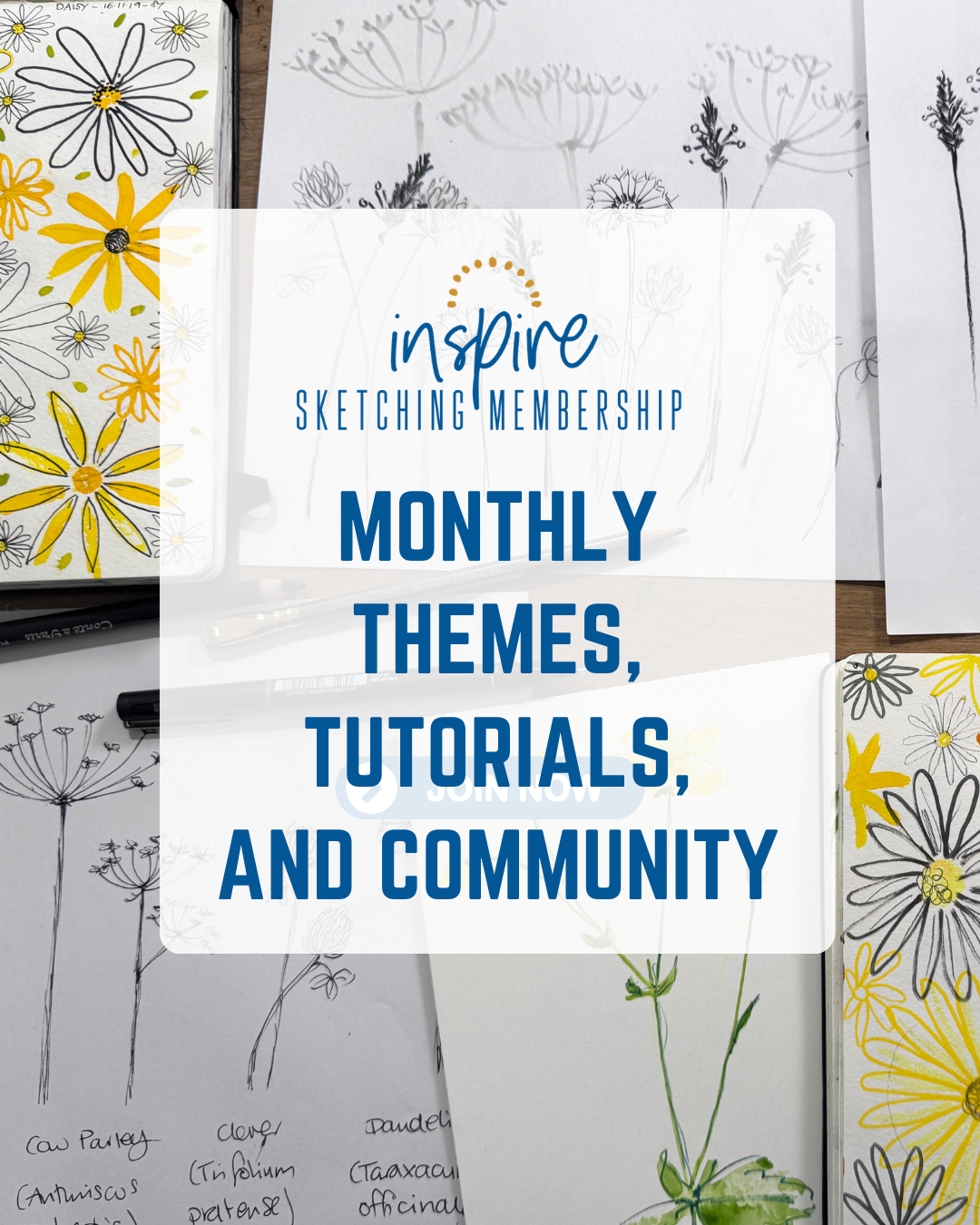
I absolutely love the Inspire Sketching Membership. It’s a calm, creative space that helps you build a regular sketchbook habit with monthly themes, tutorials, and a supportive community. Join here: [Insert
your Inspire affiliate link] I earn a small commission when you purchase
through my link, at no extra cost to you.
Add your graphic and voilà!
Template 2
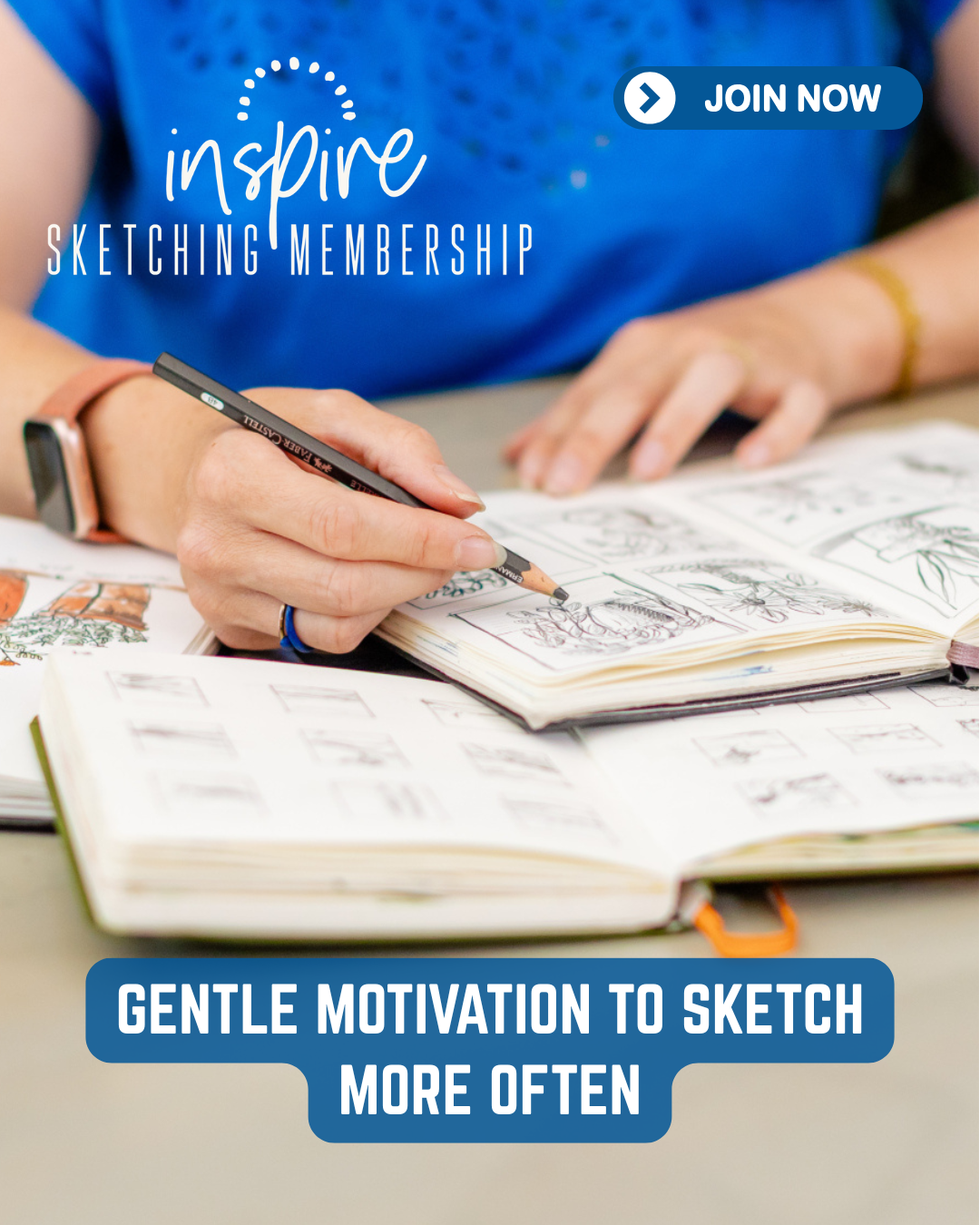
If you’re looking for gentle motivation to sketch and draw more often, Inspire is such a lovely membership. Monthly sketching themes, new lessons, and a warm community make it easy to stay creative. Your link: [Insert
your Inspire affiliate link] I earn a small commission when you purchase
this course at no extra cost to you.
Add a picture and share...

TEMPLATE 3
Inspire is one of my favourite creative communities - supportive, encouraging, and full of sketchbook inspiration each month. It’s perfect if you want a calm place to grow your art practice. Join here: [Insert
your Inspire affiliate link] I earn a small commission when you purchase,
at no extra cost to you.
Add your graphic and you’re good to go.
Template 4
I’ve been enjoying the Inspire Sketching Membership — the monthly themes, tutorials, and friendly community make it such a motivating space for regular sketching. If you’d like to explore it too, you can join through my link: [Insert your Inspire affiliate link] I earn a small
commission when you purchase, at no extra cost to you.
Add your graphic and voilà — ready to publish.
please reach out with any queries
If you have any queries regarding the affiliate programme, please reach out to our team on learn@susanyeates.co.uk
You can login to the programme (existing affiliates on Kajabi only) here: https://susan-yeates.mykajabi.com/affiliate_users/sign_in
Note: if you were part of my previous affiliate programme in Podia - you will need to set up a new account using the button below As we have switched systems in Sept 2026.